
Most people use ChatGPT for one or two things. Then they stop. They never discover what it can really do.
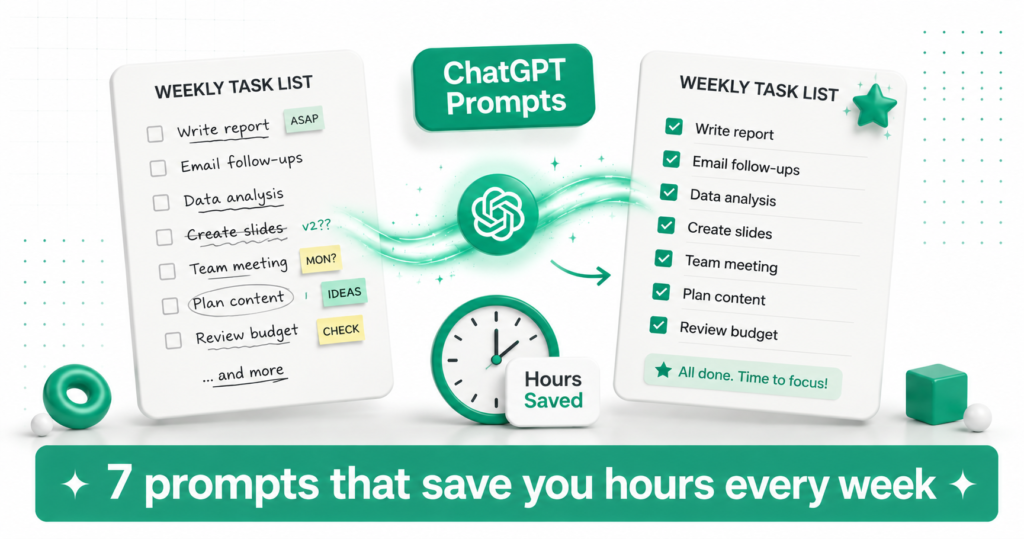
The truth is, a few well-built prompts can save you hours every single week. Not minutes. Hours.
This article gives you 7 prompts you can copy, paste, and use today. No prompt engineering skills needed. Just copy, fill in your details, and send.
Tip: Save These Prompts Somewhere Handy Copy these prompts into your Notes app or a Google Doc. That way you always have them ready when you need to save time fast.
Quick Overview: The 7 Prompts
| # | Prompt Name | Time Saved Per Week |
|---|---|---|
| 1 | The Email Cleanup Prompt | 1 to 2 hours |
| 2 | The Meeting Prep Prompt | 30 to 60 minutes |
| 3 | The Decision Helper Prompt | 1 hour |
| 4 | The Weekly Meal Plan Prompt | 1 hour |
| 5 | The Document Summary Prompt | 1 to 3 hours |
| 6 | The Learn Anything Fast Prompt | 2 to 4 hours |
| 7 | The Daily Planning Prompt | 30 minutes |
Prompt 1: The Email Cleanup Prompt
SAVES 1 TO 2 HOURS A WEEK
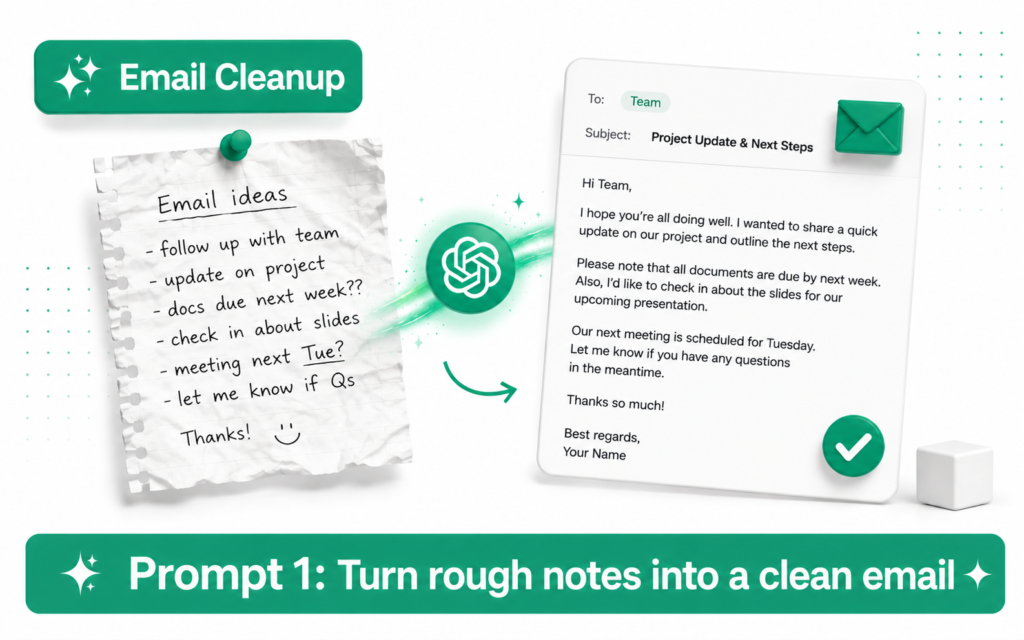
Writing emails takes longer than it should. This prompt turns a messy thought into a clear, professional email in seconds.
Copy this prompt: Write a professional email based on these notes: [paste your rough notes or bullet points here]. Keep it under 150 words. Tone should be friendly but professional. End with a clear next step.
Paste in your messy notes, like “need to push the deadline, client annoyed, explain why, suggest new date.” ChatGPT turns it into a polished email instantly.
Prompt 2: The Meeting Prep Prompt
SAVES 30 TO 60 MINUTES A WEEK
Walking into a meeting unprepared wastes everyone’s time. This prompt builds you a quick agenda and talking points in under a minute.
Copy this prompt: I have a meeting about [topic] with [who is attending]. Create a short agenda with 4 to 5 points, plus 3 questions I should ask. Keep it simple and practical.
This works for work meetings, school project calls, or even family planning discussions. You walk in prepared every time.
Tip: Use This Before Every Important Call Even a 2-minute version of this prompt makes you sound more organised and confident in any meeting.
Prompt 3: The Decision Helper Prompt
SAVES 1 HOUR A WEEK
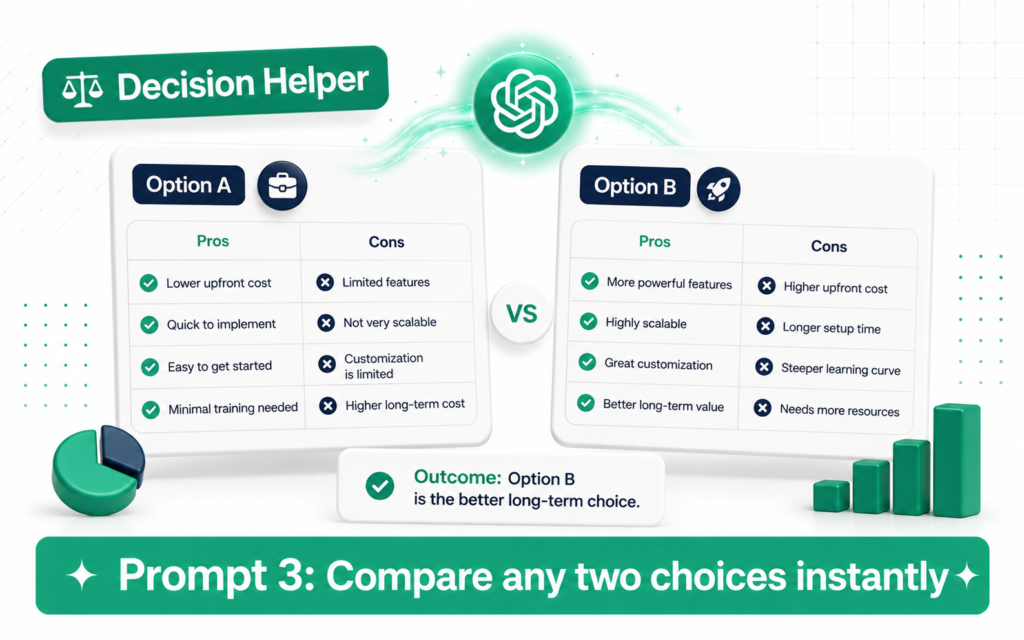
Stuck choosing between two options? This prompt forces clarity by laying out the real pros and cons side by side.
Copy this prompt: I am deciding between [option A] and [option B]. List the pros and cons of each in a simple table. Then tell me which option makes more sense based on [your main priority, like cost, time, or comfort].
Use this for big decisions like job offers, or small ones like choosing a laptop. Seeing it laid out clearly removes the mental noise.
Prompt 4: The Weekly Meal Plan Prompt
SAVES 1 HOUR A WEEK
Planning meals for the week is a classic time drain. This prompt builds a full plan and shopping list in one go.
Copy this prompt: Create a 5-day dinner plan for [number] people. Keep meals simple and under 30 minutes to cook. Avoid [any allergies or dislikes]. Then give me a single shopping list organised by category.
You get a full week of dinners planned, plus a shopping list ready for the supermarket. No more standing in front of the fridge wondering what to make.
Prompt 5: The Document Summary Prompt
SAVES 1 TO 3 HOURS A WEEK
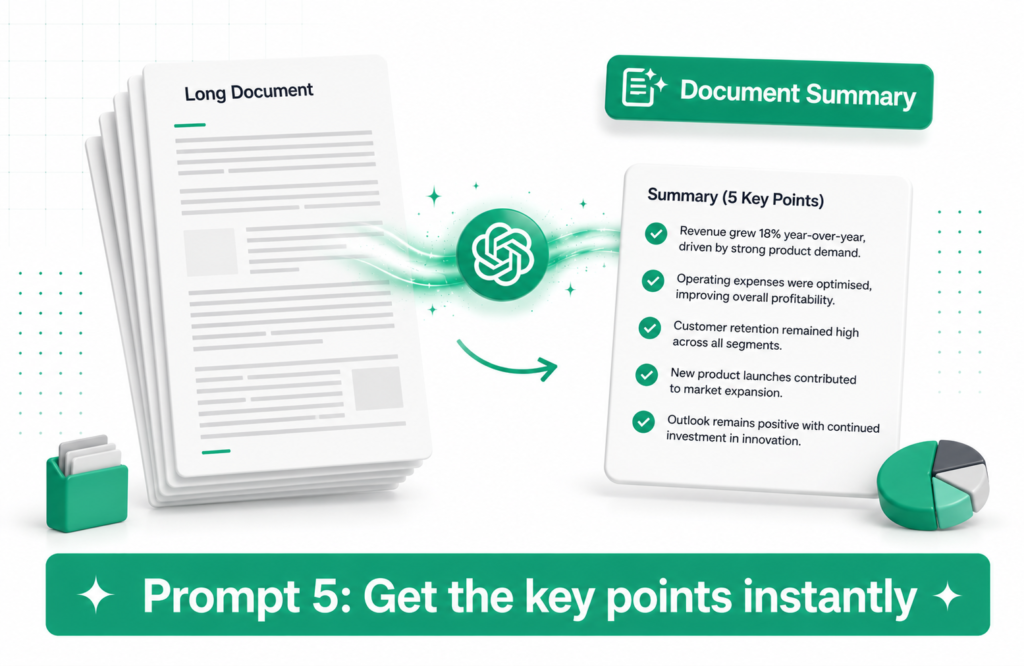
Long reports, contracts, and articles take forever to read properly. This prompt pulls out exactly what matters.
Copy this prompt: Summarise this document in 5 bullet points. Then list anything that requires action from me, and anything that looks unusual or important to double-check. [paste your document text here]
Paste in a contract, report, or long email thread. You get the key points in seconds instead of reading every line yourself.
Warning: Always Verify Important Documents Yourself For legal contracts or anything with financial consequences, use ChatGPT as a first pass only. Always read the full document yourself or have a professional review it.
Prompt 6: The Learn Anything Fast Prompt
SAVES 2 TO 4 HOURS A WEEK
Learning a new skill or topic usually means hours of scattered searching. This prompt builds you a focused mini lesson instantly.
Copy this prompt: Explain [topic] like I am a complete beginner. Break it into 3 simple sections. Use one real-world example per section. End with 3 practice questions to test my understanding.
This works for anything: a new software tool, a financial concept, a cooking technique, or a school subject. It builds structured understanding fast.
Tip: Ask Follow-Up Questions After the first explanation, ask “explain that part again but simpler” or “give me another example.” ChatGPT will keep adjusting until it clicks for you.
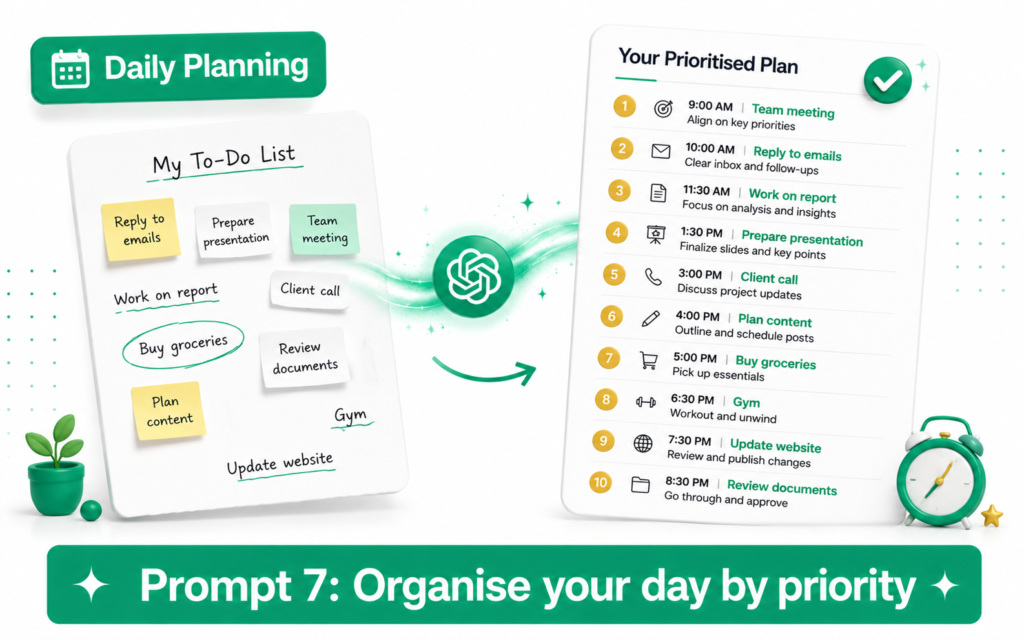
Prompt 7: The Daily Planning Prompt
SAVES 30 MINUTES A WEEK
Staring at a to-do list without a plan wastes time and energy. This prompt turns chaos into a clear, realistic schedule.
Copy this prompt: Here is my to-do list for today: [paste your tasks]. Organise them by priority and group similar tasks together. Suggest a realistic order to do them in based on a normal work day.
Instead of jumping randomly between tasks, you get a clear order that actually makes sense. Less stress, more progress.
How to Make These Prompts Even Better
These 7 prompts work well as they are. But you can make them even more useful with a few small tweaks.
| Tweak | Why It Helps |
|---|---|
| Add your tone preference, like “casual” or “formal” | Matches the output to your personal style |
| Give a word or character limit | Keeps responses short and usable, not bloated |
| Ask for a table instead of paragraphs | Easier to scan and act on quickly |
| Tell it who the audience is | Improves accuracy for emails or explanations |
| Save your favourite prompts in ChatGPT Memory | ChatGPT remembers your preferences automatically next time |
Tip: Turn Any Prompt into a Custom GPT If you use one of these prompts often, save time by turning it into a Custom GPT. Then you never have to retype the instructions again. Just open the GPT and paste your details.
Real Time Savings: A Weekly Breakdown
| Prompt Used | Old Way | With ChatGPT |
|---|---|---|
| Writing 5 emails a week | 10 minutes each, 50 minutes total | 2 minutes each, 10 minutes total |
| Prepping for 3 meetings | 15 minutes each, 45 minutes total | 3 minutes each, 9 minutes total |
| Planning weekly meals | 60 minutes | 5 minutes |
| Reading 2 long documents | 90 minutes | 10 minutes |
| Learning a new topic | 2 to 3 hours of scattered searching | 20 to 30 minutes of focused learning |
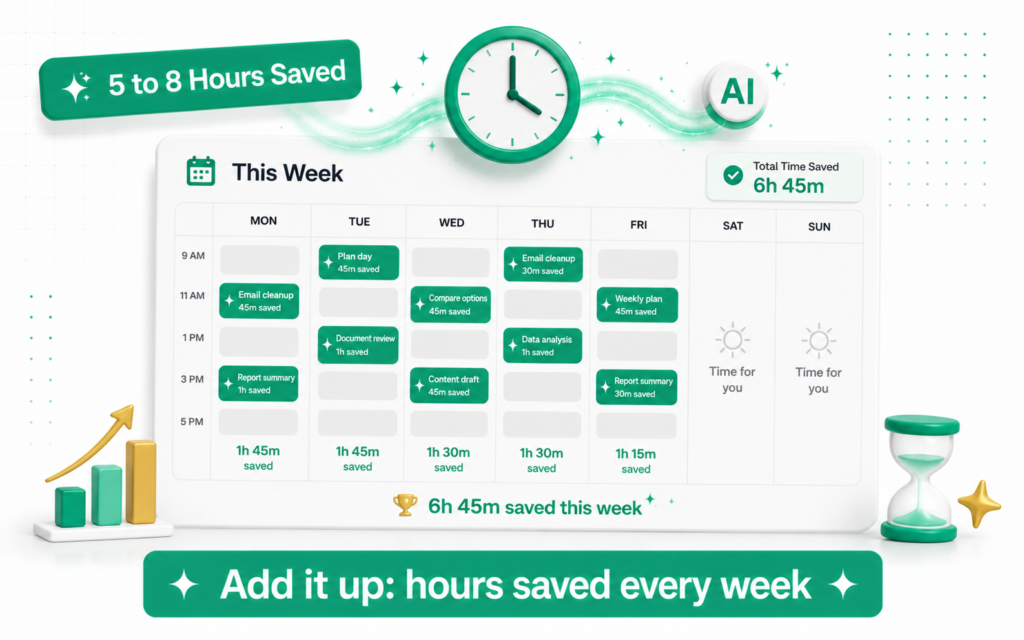
Add it up across a normal week, and you can easily save 5 to 8 hours. That is almost a full extra workday, every single week.
Quick Summary: All 7 Prompts in One Place
| # | Prompt | Use It For |
|---|---|---|
| 1 | Email Cleanup | Turning rough notes into polished emails |
| 2 | Meeting Prep | Building a quick agenda before any call |
| 3 | Decision Helper | Comparing two choices clearly |
| 4 | Weekly Meal Plan | Planning dinners and a shopping list |
| 5 | Document Summary | Getting the key points from long text |
| 6 | Learn Anything Fast | Understanding a new topic quickly |
| 7 | Daily Planning | Organising your to-do list by priority |
Warning: These Prompts Work Best with Clear Input The quality of what you get back depends on what you put in. The more specific your notes, topic, or to-do list, the better ChatGPT’s response will be.
Next up on TicForge:Zapier AI: Automate Any Task Between Your Apps Without Coding →