
You already have ChatGPT on your phone. You just don’t know it yet.
Most people open a browser, go to chatgpt.com, wait for it to load, then type their question. But there is a much faster way. ChatGPT is now available directly inside WhatsApp, the app you already use every day.
No new app to download. No account needed. Just save one number and start chatting with AI instantly, for free.
This guide shows you exactly how to set it up in under 2 minutes.
What is ChatGPT on WhatsApp?
OpenAI officially launched ChatGPT on WhatsApp, giving anyone with a WhatsApp account direct access to the AI without leaving the app. You message it like a normal contact. It replies instantly with answers, ideas, writing help, and more.
It is completely free and works in every country where WhatsApp is available.
Good to know: This is the official OpenAI ChatGPT integration, not a third-party bot. You are talking directly to the real ChatGPT.
What can you do with ChatGPT on WhatsApp?
| Task | Example message to send |
|---|---|
| Get quick answers | “What is the capital of Australia?” |
| Write a message | “Write a professional WhatsApp message to reschedule a meeting” |
| Translate text | “Translate this to French: I will be late today” |
| Brainstorm ideas | “Give me 10 name ideas for a bakery” |
| Fix grammar | “Fix the grammar in this sentence: [paste your text]” |
| Summarize text | “Summarize this in 3 bullet points: [paste text]” |
| Learn something | “Explain blockchain in simple words” |
| Send a voice note | Record a voice note and ChatGPT transcribes and responds |
Step by step: How to add ChatGPT on WhatsApp
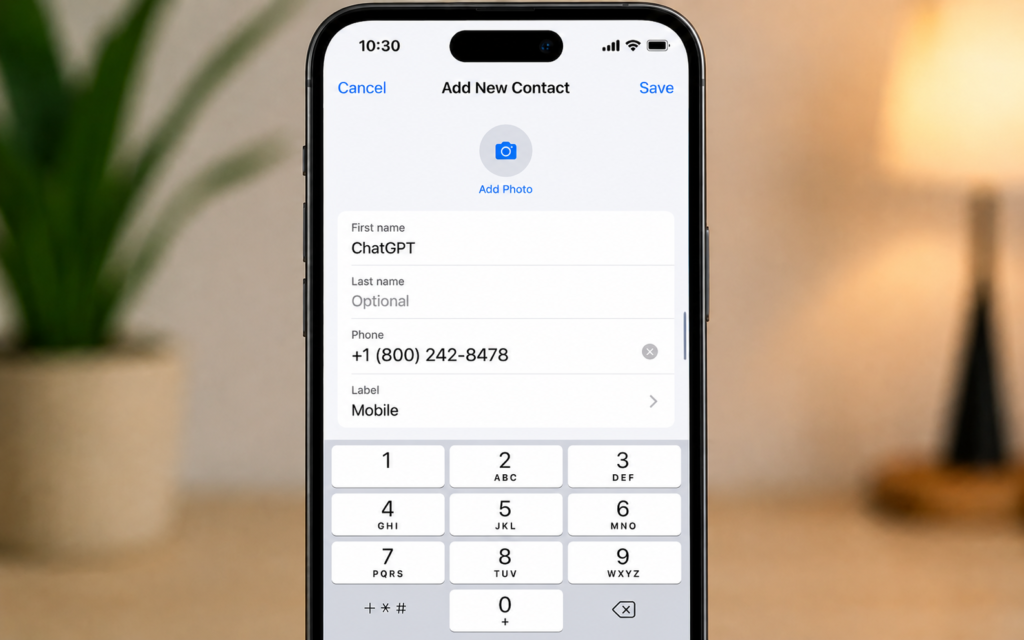
Step 1 — Save the official ChatGPT number
The official ChatGPT WhatsApp number is:
+1 (800) 242-8478
Save it in your phone contacts with the name ChatGPT. That is all you need.
Important: Only use this official number from OpenAI. Do not use any other number claiming to be ChatGPT, as it may be a fake bot.
Step 2 — Open WhatsApp and find ChatGPT
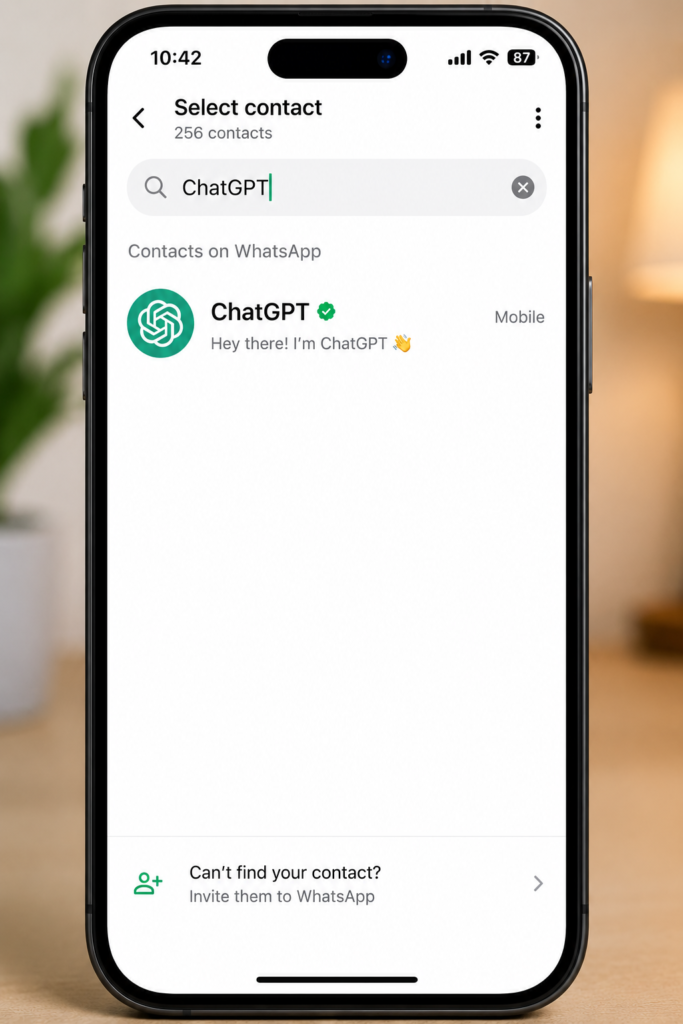
Once the number is saved, open WhatsApp. You have two ways to find the contact:
- Tap the new chat icon and search for “ChatGPT” in your contacts
- Or scan the official QR code directly from chatgpt.com on your phone
Step 3 — Open the chat and send your first message
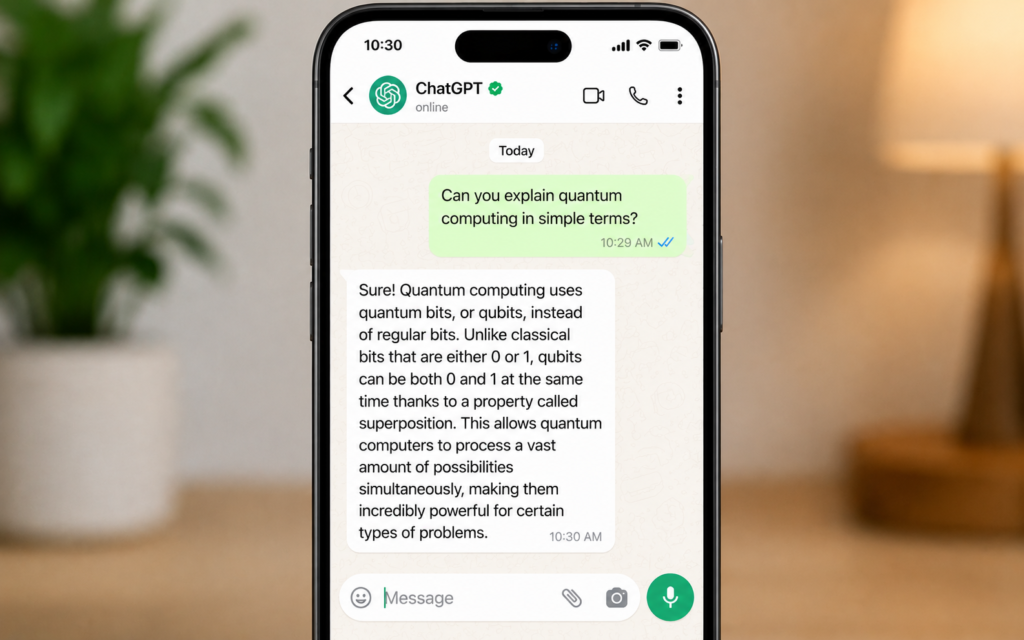
Tap on the ChatGPT contact to open the chat. Type any question or request and press send. ChatGPT will reply within seconds.
Try sending this as your first message:
“Hi, what can you help me with on WhatsApp?”
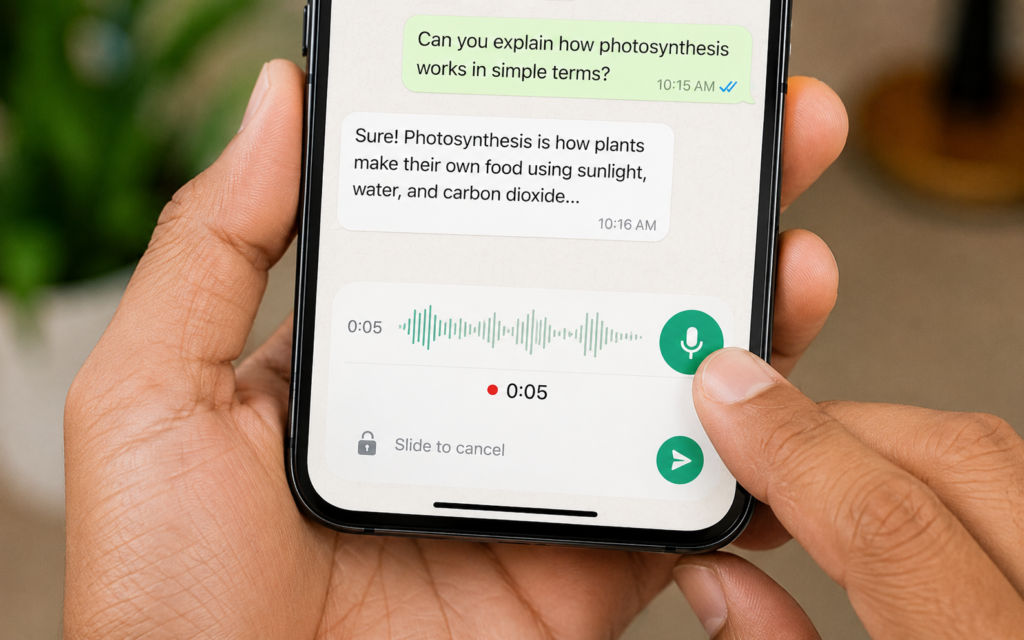
Step 4 — Send a voice note
You do not even have to type. Hold the microphone button in WhatsApp, record your question as a voice note, and send it. ChatGPT will listen to your voice note and reply with a text answer.
This is perfect for when you are driving, cooking, or have your hands full.
Step 5 — Send an image
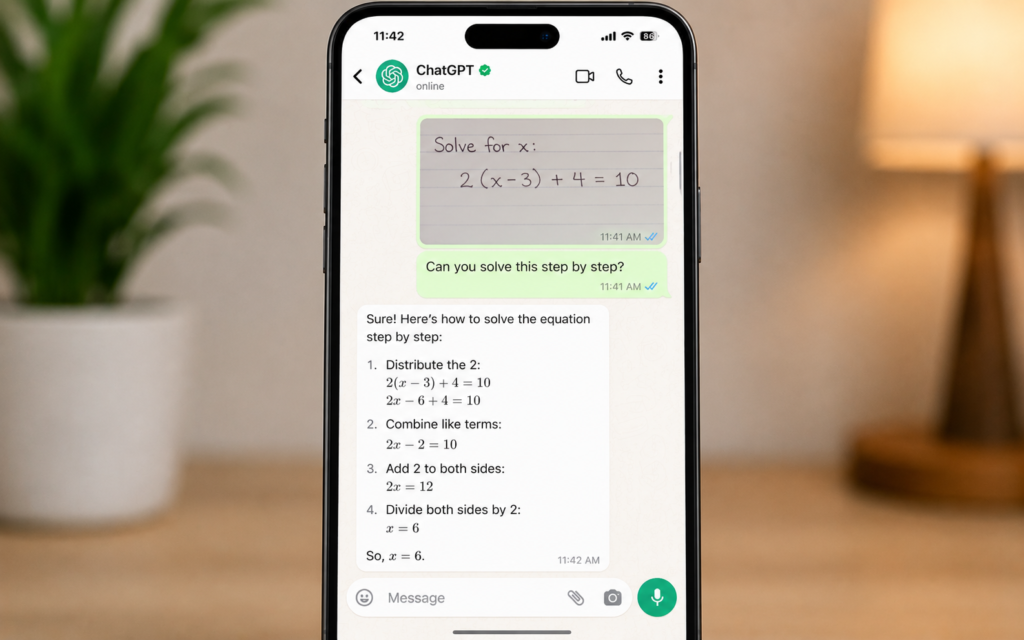
ChatGPT on WhatsApp also supports images. Tap the attachment icon, select a photo, and ask a question about it. For example:
- Send a photo of text and ask “Translate this”
- Send a food photo and ask “What dish is this?”
- Send a product photo and ask “How much does this cost online?”
What ChatGPT on WhatsApp cannot do
| Limitation | Workaround |
|---|---|
| Cannot generate images | Use ChatGPT app or website for image generation |
| Cannot open PDF or Word files | Copy and paste the text content instead |
| Daily message limit on free plan | You get notified when you approach the limit |
| No memory between conversations | Start each chat with brief context about yourself |
| Group chats not supported | Individual chats only for now |
Is ChatGPT on WhatsApp free?
Yes, completely free. ChatGPT on WhatsApp is available to everyone with no subscription required. You only need a WhatsApp account and an internet connection.
| Feature | Free |
|---|---|
| Text messages | ✅ Yes |
| Voice notes | ✅ Yes |
| Image questions | ✅ Yes |
| Available worldwide | ✅ Yes |
| No app download needed | ✅ Yes |
| No OpenAI account needed | ✅ Yes |
Who is this for?
| Who | How to use it |
|---|---|
| Students | Ask questions while studying without switching apps |
| Professionals | Draft emails and messages on the go |
| Small business owners | Get quick answers and content ideas anytime |
| Anyone learning English | Ask for grammar corrections and translations instantly |
| Busy people | Send voice notes instead of typing, hands-free AI help |
5 tips to get better answers on WhatsApp
- Be specific — “Write a 3 line birthday message for my colleague” beats “Write a message”
- Give context — “I am a freelance designer, help me write a client proposal”
- Ask follow-up questions — reply to any answer with “make it shorter” or “give me another version”
- Use it in your language — ChatGPT understands and replies in Arabic, French, Spanish and 50 plus languages
- Save useful replies — star important messages in WhatsApp so you can find them later
Start chatting in 60 seconds
Save the number +1 (800) 242-8478, open WhatsApp, find the contact, and send your first message. That is it. No setup, no account, no waiting.
ChatGPT is now the most useful contact in your phone.
Want to go further with AI on your phone? Read our next guide: Gemini in Gmail: Let AI Read, Write and Reply to Your Emails